


Your phone shouldn’t feel like a hand warmer by round three. Here’s how to keep it cool through back-to-back Free Fire matches so your frames — and your rank — stay steady.
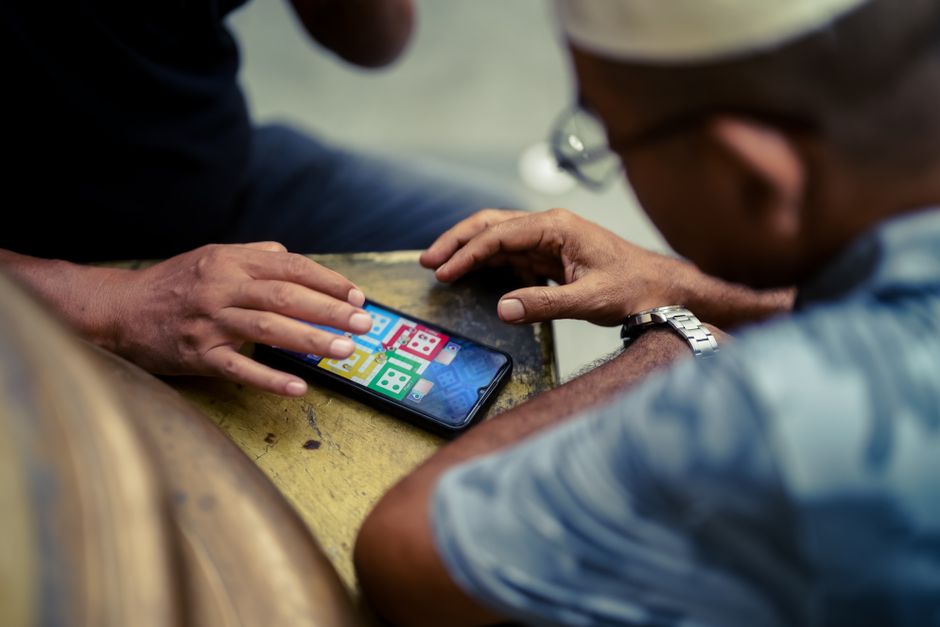
Why marathon Free Fire matches turn your phone into a heater
Free Fire leans on your phone’s processor and graphics chip almost nonstop. Every gunfight, every Gloo Wall thrown, every parachute drop is rendered in real time, and when you’re chaining ranked matches back to back, the chip never gets a chance to idle and cool down. That sustained, unbroken load is what generates real heat — far more than a quick session of scrolling social media or sending texts ever will.
Two things make it dramatically worse. A high frame rate combined with HD graphics pushes the GPU much harder, and if you’re charging the battery while you play, you’ve stacked a second, independent heat source right under the screen. Add a warm room with no airflow and a thick protective case sealing everything in, and the internal temperature climbs alarmingly fast — often within the first ten or fifteen minutes.
Here’s why this matters beyond simple comfort. Once the chip crosses roughly 40 to 45°C, your phone deliberately throttles itself to protect the hardware from damage. In practice that means your frame rate suddenly drops mid-fight, your aim starts to feel sluggish and delayed, and you lose gunfights you clearly should have won. Cooling your phone isn’t about babying it — it’s about holding a rock-steady FPS when the match is on the line.
Dial in the graphics settings that actually cut heat
Open Free Fire’s graphics menu and resist the urge to max everything out. The single biggest heat driver is pairing the highest resolution — HD or Ultra HD — with the highest available frame rate. You almost never need both at once. For competitive play, keep the frame rate at High or Ultra, since smooth aim genuinely matters in a firefight, and drop the graphics quality down to Standard or Smooth.
Next, turn off the extras that cost you heat for very little visual payoff. Shadows, anti-aliasing, and high-resolution textures are the main culprits, and shadows in particular are expensive to render while doing absolutely nothing for your kill count. If your device offers an “Auto” graphics adjustment option, switch it off and set every value manually, so the game can’t quietly crank the settings back up mid-session.
Screen brightness is a sneaky, underrated source of both heat and battery drain. The display is one of the warmest components in the whole phone, so turn off auto-brightness and lock it to a fixed, moderate level you can still see clearly in your room. Nudging in-game brightness down a notch and playing somewhere that isn’t blasted with light buys you noticeably cooler, more stable runs across a two-hour session.
Fix how you charge, grip, and case the phone
The number one rule is simple: don’t play while the phone is charging. Charging generates a significant amount of its own heat, and doing it during a match stacks that heat directly onto an already-hot chip — it’s the single fastest way to trigger throttling. Charge up to a comfortable buffer before you sit down to grind, and if you own a gaming phone with a “bypass charging” or direct-power mode, that’s the one genuine exception worth using.
Take the case off during long sessions. Cases — especially thick rubber, silicone, or wallet-style ones — trap heat against the phone like a blanket. A bare phone sheds heat through its metal frame far more efficiently. Pay attention to where your palms rest, too: cupping the area near the camera bump, where the SoC usually sits, insulates the single hottest spot on the device.
If you rely on a power bank, top up between matches rather than mid-fight, and skip the fast-charging brick during play, since a slower charge produces noticeably less heat. Keep your charging port clean as well, because dust buildup adds electrical resistance and a little extra warmth. Individually these are tiny habits, but stacked together they reliably keep the phone out of the throttle zone.
Cool the room and build in real cooldown breaks
Ambient temperature quietly does half the work, for you or against you. A phone struggling in a 30°C room with no airflow will throttle within minutes, while the exact same phone sitting near a fan or in air conditioning can grind happily for an hour. Never play in a parked car or in direct sunlight, and don’t jump into ranked right after your phone’s been baking face-up on a sunny windowsill.
The surface you play on matters more than most people think. Resting the phone on a bed, couch, or pillow traps heat against the back panel with nowhere to go. A hard, cool surface — a desk, a tile floor, even a hardcover book — lets that heat escape. Plenty of players deliberately lay the phone flat between rounds just to let the frame shed warmth.
Close your background apps before you even queue up. Pause any cloud backups, app-store updates, and large downloads, and switch off Bluetooth if you’re not running a controller — all of that keeps the chip and the radios running hotter than they need to. Then take genuine breaks: two or three minutes between ranked matches lets the internal temperature fall several degrees, which is often the exact difference between full FPS and a stuttering, laggy next game.
Cooling gadgets — what’s worth your money and what’s hype
The cheapest legit upgrade is a clip-on cooling fan. A passive fan clip, usually $10 to $15, helps a little by pushing air across the back panel while you play. If you’re a serious grinder, though, a semiconductor (Peltier) cooler like a GameSir or Black Shark FunCooler — roughly $20 to $35 — actively chills the back of the phone and can hold temperatures down through hours of ranked. That’s real, measurable relief, not marketing fluff.
Be skeptical of the gimmicks, though. Gel cooling pads warm up within minutes and stop helping almost immediately after. And never, under any circumstances, put your phone in the fridge or freezer to cool it down — the condensation that forms as it warms back up can corrode the internal components and permanently kill the device. Replacing the thermal paste yourself does work, but it voids warranties and simply isn’t worth the risk for most players.
The best part is that you don’t have to spend a single cent to see results. Every setting tweak and habit above is completely free, and the bulk of your heat problem is solved just by lowering the graphics, ditching the case, and refusing to charge mid-match. Treat a cooling fan as the optional last ten percent — nail the free fixes first, and your phone will stay cool enough to carry you through the grind.